
After activating Swift Rank for the first time, you’ll be automatically redirected to the Setup Wizard. This guided setup helps you configure essential settings quickly and accurately without any coding. It streamlines your schema setup, improves search visibility, and helps enable rich results in search engines.
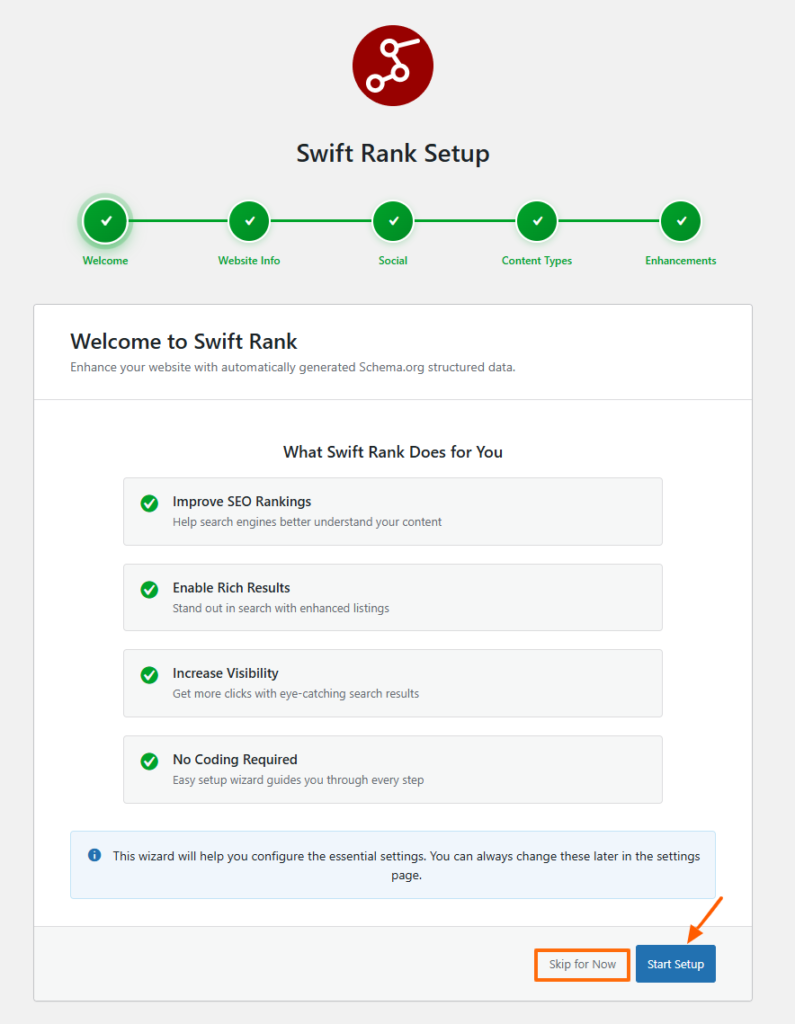
You can either click on start setup or skip for now button. If you skip the wizard, you can configure each thing by going into the setting page > Setup Wizard at the left side.
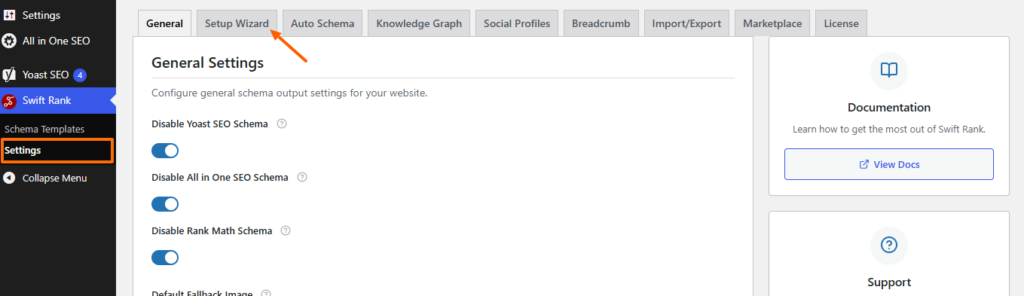
What the Setup Wizard Covers #
When you click on the setup wizard tab it will take you through the following steps:
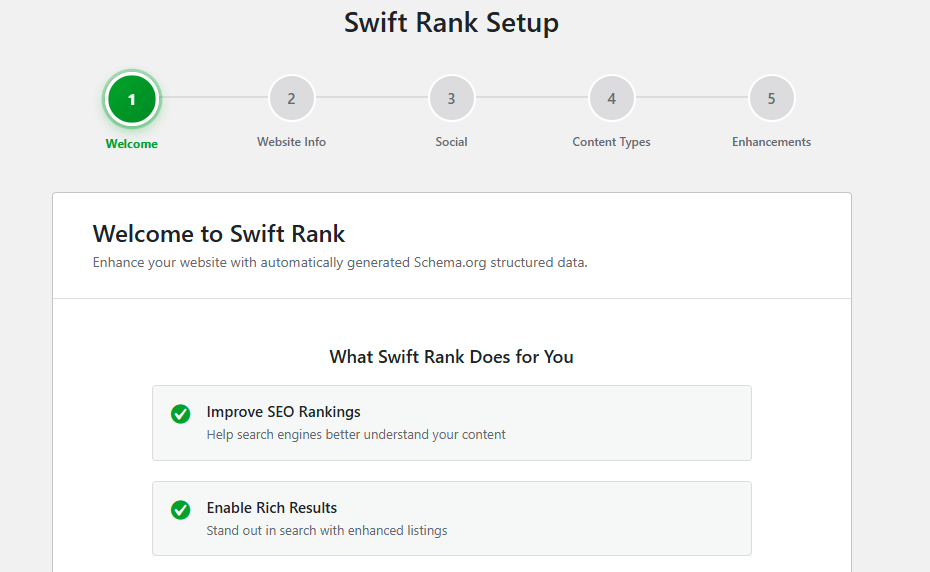
Welcome #
A brief introduction to Swift Rank and its core features.
Website Information #
After the welcome, it will take you to the website information where you can start by selecting the entity type that best represents you, such as Organization, Person, or LocalBusiness. Then enter your name, logo, and a clear description to define your identity for search engines. Finally, add relevant contact information and business details to complete your profile and strengthen how your brand is understood online.
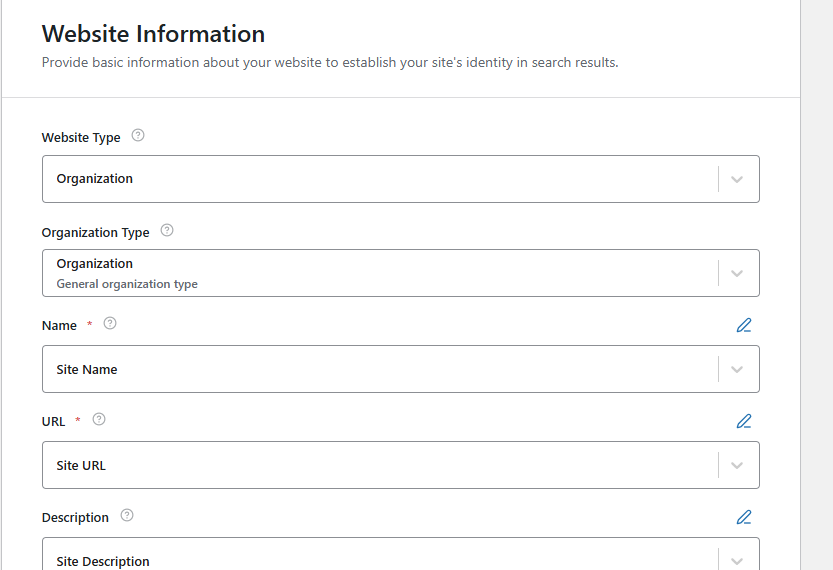
You can also configure these fields in Knowledge Graph tab.
Social Profiles #
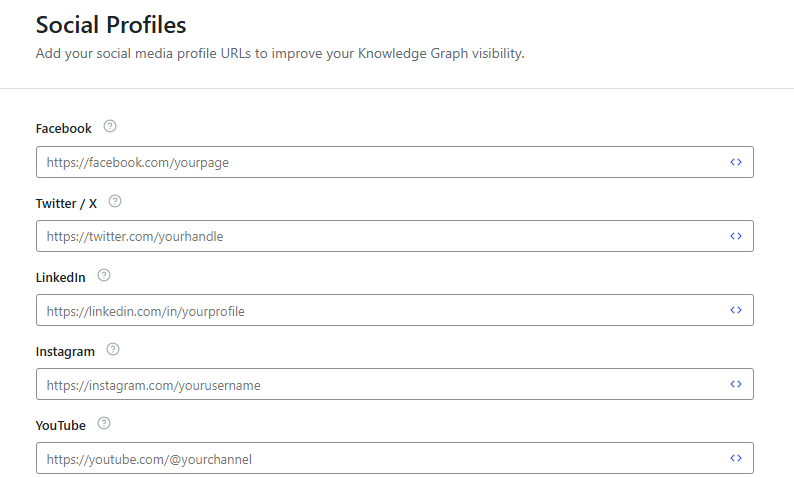
The Social Profiles tab lets you add your official social media profile URLs to strengthen your site’s Knowledge Graph and improve how search engines understand your online presence. By linking verified profiles, you help search engines connect your website with your brand or identity across platforms.
Select Default Schema for Content Types #
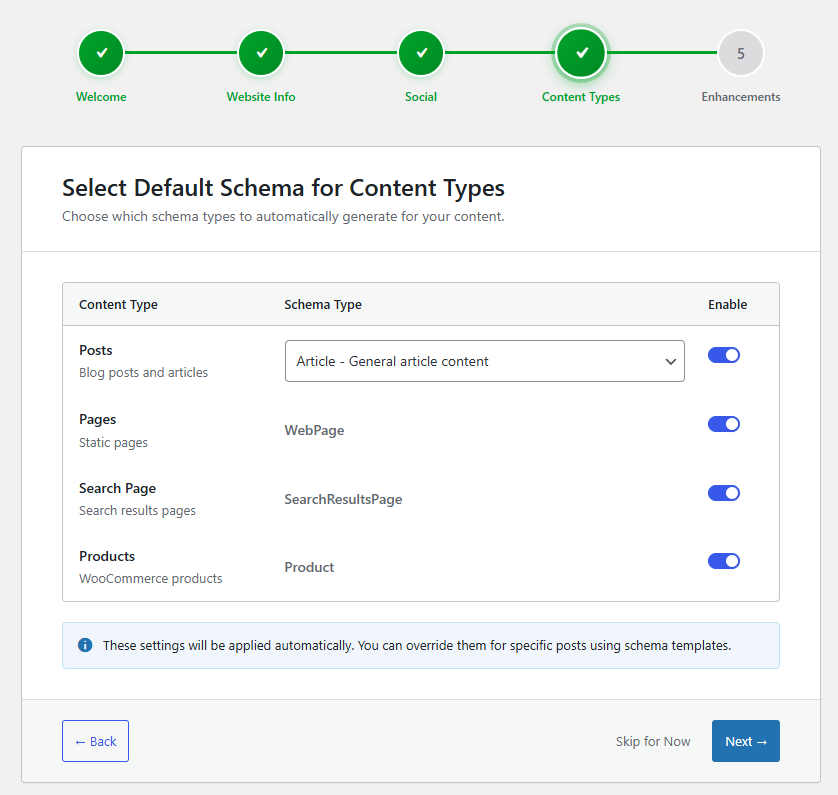
Choose which schema types should be automatically applied to different types of content on your website. These settings act as global defaults and can be overridden later for individual posts or pages.
Content Types #
Posts #
Using the Article schema helps search engines clearly understand that your content is written material such as blog posts, guides, or news-style articles. When this option is enabled, Article schema is automatically added to all posts, improving how your written content is interpreted and displayed in search results.
Pages – WebPage Schema #
For pages, the WebPage schema is intended for static sections of your site like About, Contact, or Services pages. Enabling this option applies WebPage schema across all standard pages, giving search engines better context about the purpose and structure of these core site pages.
Search Page #
the SearchResultsPage schema helps search engines recognize and understand your site’s internal search result pages. When enabled, this schema is automatically added to search result pages, making it clearer how users can find content within your website.
Woocommerce Products #
With the woocommerce option, swift rank can automatically add structured data to all of your store product. So search engines can know better about each product’s name, price, avalibility, reviews and rating. You can also enable this in auto schema tab.
Note:
These settings are applied automatically site-wide. You can override them for specific posts or pages using schema templates.
Global Enhancements #
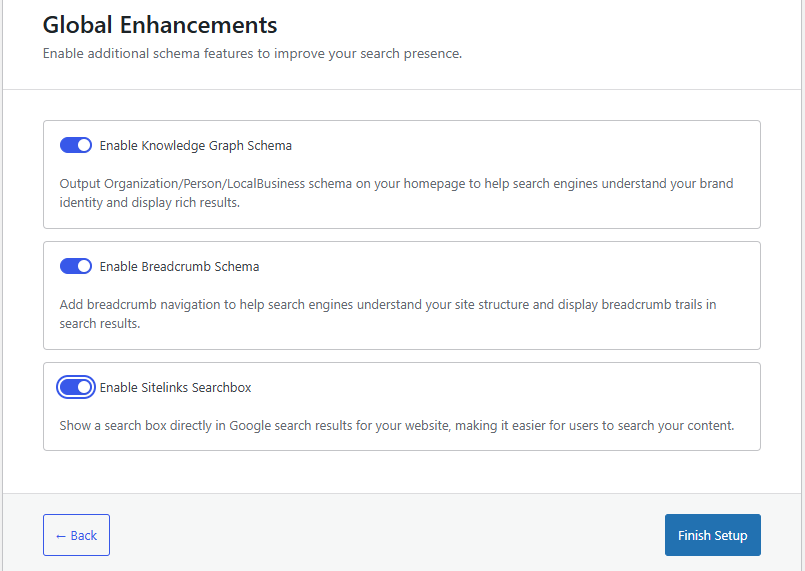
Enable additional schema features to further enhance your website’s visibility and structure in search results.
Knowledge Graph Schema #
The Knowledge Graph Schema adds structured data such as Organization, Person, or LocalBusiness to your homepage, helping search engines clearly identify who you are and what your brand represents. This is recommended because it strengthens brand recognition and increases eligibility for enhanced search features like rich results.
Breadcrumb Schema #
The Breadcrumb Schema helps search engines understand your website’s structure by defining the hierarchy between pages. Enabling this feature is recommended, as it can display breadcrumb trails in search results, making navigation clearer and improving user experience directly from search listings.
Sitelinks Searchbox (Pro Feature) #
The Sitelinks Searchbox allows a search box for your website to appear directly within Google search results, enabling users to search your site without visiting it first. This is a Pro feature and requires Swift Rank Pro to activate, offering an added layer of visibility and convenience for users.
Next Steps #
Once you’ve configured your schema defaults and enhancements:
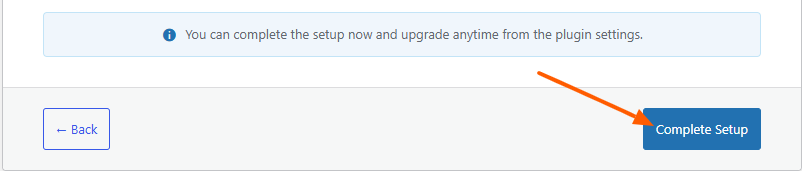
Click Next to complete setup, your schema settings can be updated at any time from the plugin settings.


