
Today’s businesses must connect with their customers immediately. For anyone running an online business, providing services, or
maintaining a content website, the appropriate customer communication tool can make a world of difference. It can significantly boost engagement, drive conversions, and ultimately, keep customers happy. It’s a major factor that shapes how people perceive your brand. It is not just a support function anymore—When someone lands on your WordPress site, every interaction matters. Whether they ask a question, need help with a product, or want reassurance before making a purchase, the way you respond can make or break the outcome.
Why Communication Tools Matter
Most visitors expect instant responses. If they don’t get them, they move on. Communication tools bridge that gap by giving you ways to stay connected in real time. Live chat, chatbots, email automation, and feedback systems help you offer quick, organized, and consistent support. Instead of jumping between platforms, these tools bring your conversations into one place, saving you time and keeping your customers from feeling ignored.
How They Impact User Experience and Conversions
A fast, helpful interaction builds trust. That trust turns browsers into buyers. When customers can reach you easily, they’re more confident about taking action—signing up, placing an order, or booking a service. Smooth communication also reduces friction, answers objections early, and boosts satisfaction. In short, better communication leads to a better experience, and a better experience leads to more conversions.
Types of Customer Communication Tools for WordPress
WordPress offers a wide range of communication tools to help businesses interact with their audience efficiently. Choosing the right combination can transform how you engage with customers and improve satisfaction. Let’s explore the main types:
1. Live Chat
Live chat is one of the most popular options because it allows visitors to get instant answers while browsing your site. Studies show that around 60% of customers are more likely to return to a website that offers live chat, and businesses can see conversion rates increase by 20% or more. Customers appreciate the speed and convenience — in fact, 87% of live chat interactions receive a positive satisfaction rating, and some companies report earning four dollars in return for every dollar spent on live chat support. Embedding a live chat widget on your WordPress site can help you answer questions immediately, calm hesitations, and guide users through key moments like checkout.
2. Chatbots
Chatbots are another essential tool, offering 24/7 automated support. Nearly 96% of consumers are familiar with chatbots, and up to 80% of routine queries can be resolved without human intervention. Chatbots not only reduce first-response times by up to 90%, but they also allow businesses to scale support without increasing headcount. For many WordPress sites, chatbots are a lifesaver, handling simple inquiries while freeing your team to focus on more complex issues.
3. Help Desk and Ticketing Systems
Help desk and ticketing systems keep customer queries organized. Every inquiry becomes a ticket that can be tracked, prioritized, and resolved efficiently. Businesses that combine ticketing with live chat or chatbots see higher satisfaction because 67% of consumers feel more comfortable using a bot when there’s a smooth path to escalate to a human agent, and nearly half expect context to carry over so they don’t have to repeat themselves. WordPress plugins for help desks make it easy to manage these interactions without losing track of requests.
4. Email Marketing Plugins
Email marketing plugins remain a staple in customer communication. About 31% of people prefer email for support-related messages, and WordPress plugins make it simple to automate campaigns, segment users, and personalize messages based on behavior. Whether sending transactional emails, follow-ups, or newsletters, email helps keep the conversation going long after someone leaves your site.
5. SMS and WhatsApp Tools
SMS and WhatsApp tools bring communication to the personal space of users’ phones. Messaging apps are seen as faster than traditional channels by 73% of consumers, and about 50% are more likely to make a purchase from brands that offer messaging support. Integrating SMS or WhatsApp via WordPress allows you to send confirmations, reminders, or updates that users are almost guaranteed to see.
6. Push Notification Plugins
Push notifications offer a similar advantage for engagement. Delivered straight to browsers or devices, push messages are immediate and attention-grabbing. Over half of consumers say they prefer messaging over email or phone for brand updates, making push notifications a strong tool to alert users about content, deals, or abandoned carts.
7. Call and Voice Support Integrations
Call and voice support integrations remain important for users who prefer speaking to a real person. Around 19% of consumers still prefer phone calls for customer service, and 68% rank it as their top choice among communication channels.
Click-to-call or VoIP plugins on WordPress ensure that users can connect easily with your team, while giving your business the ability to track and manage these interactions.
Best WordPress Customer Communication Plugins
ToolPress
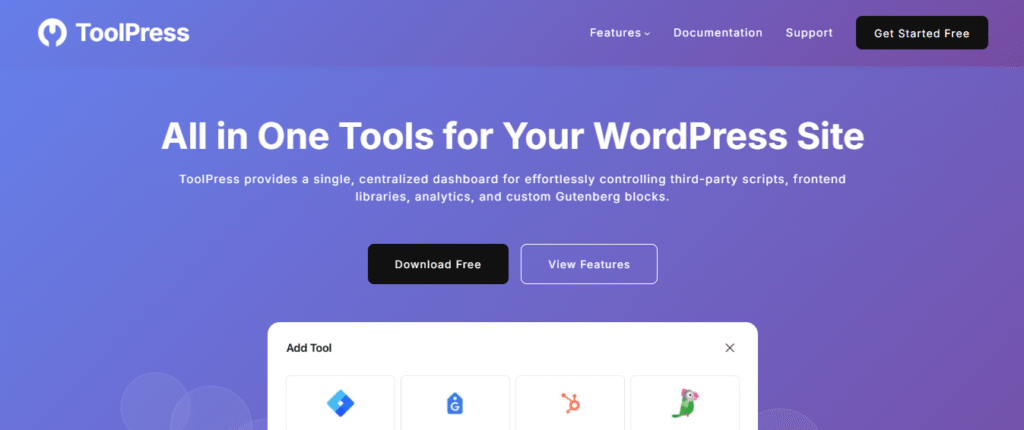
ToolPress is an all-in-one WordPress utility plugin that replaces multiple separate tools by offering tracking integrations, chat widgets, UI libraries, and developer controls in one place. It lets you add scripts, libraries, and chat systems without editing theme files. Ideal for marketers, developers, and site owners who want speed, flexibility, and simplicity — even in the free version.
Key Features:
- Google Tag Manager integration with easy container setup
- Tawk.to live chat support
- HubSpot tracking with placement and exclusion rules
- Google Tag (gtag.js) for GA4 analytics
- Font Awesome (free/pro) with version and kit control
- Bootstrap library with toggles, versions, and conditional loading
- WhatsApp chat widget for instant communication
- jQuery management, Custom HTML, CSS, JavaScript etc.
- Lightweight design that replaces multiple plugins
LiveChat
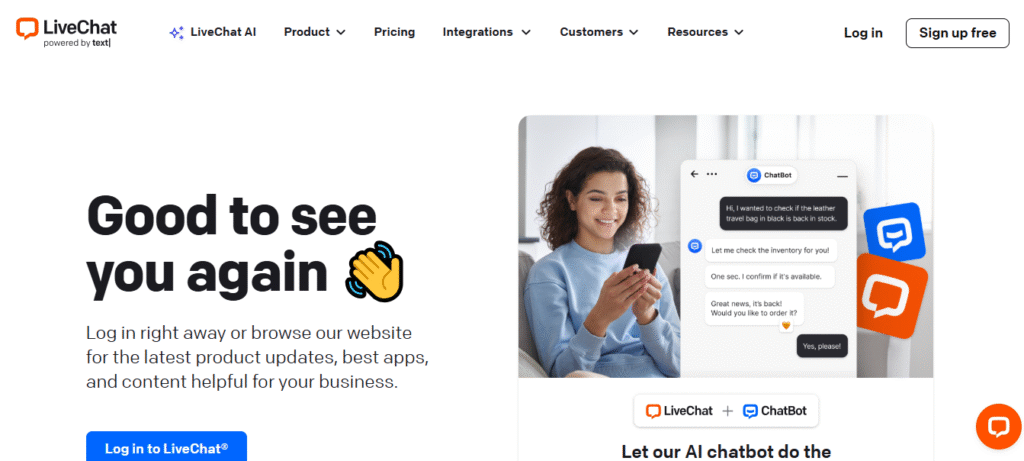
LiveChat is a mature, full-featured live chat platform that integrates into WordPress via an official plugin. It focuses on real-time chat, proactive messaging, analytics and dozens of integrations (e.g., e-commerce and CRMs). It also includes a basic ticketing fallback and AI-assisted responses on higher tiers.
Key features
- Real-time chat widget with proactive triggers and canned replies.
- Team inbox / simultaneous chats and chat routing.
- Chat transcripts, visitor tracking, and conversion analytics.
- Integrations: Shopify, WooCommerce, Salesforce, Google Analytics and many more.
- AI assistance / Copilot-style automation on advanced plans.
Tidio
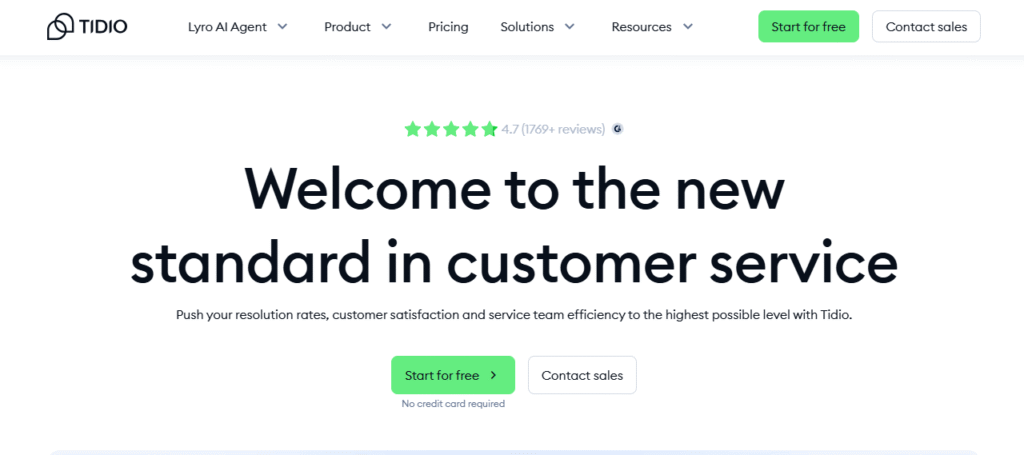
Tidio is a lightweight WordPress chat and chatbot platform built for fast deployment. It combines live chat, multichannel inbox and AI chatbots (including GPT-style automation) with an approachable free tier and modular paid plans. It’s popular for small to mid-sized sites that want chat + automation without heavy admin overhead.
Key Features
- Live chat + unified inbox (email/FB/IG/website).
- AI chatbots & automation builders (flows).
- Visitor tracking, typing previews, and canned responses.
- Simple WordPress plugin and mobile apps.
HubSpot
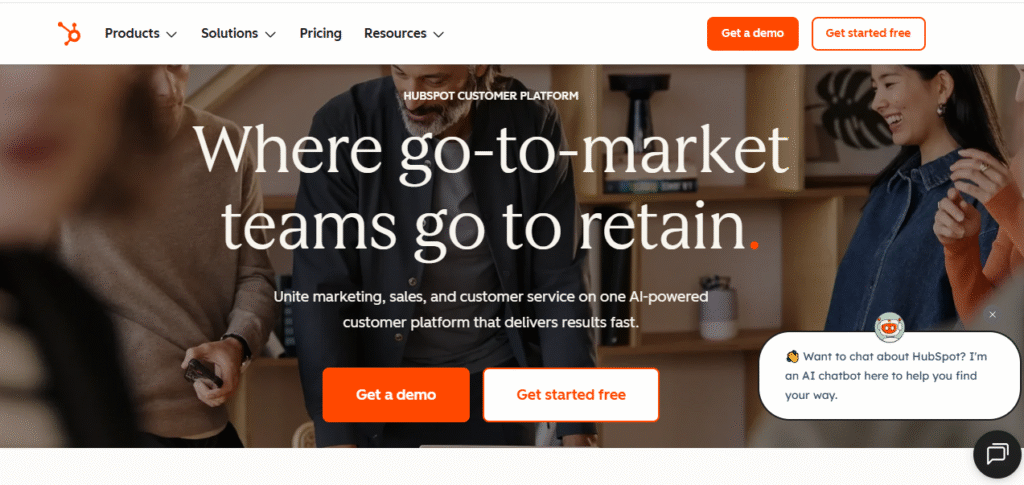
HubSpot’s WordPress plugin bundles a free CRM, live chat, chatbots, forms and contact management right into WordPress. It’s best when you want a chat tightly connected with marketing automation, email and a full CRM so every chat becomes a trackable contact. The base plugin is free; advanced marketing/sales features require HubSpot paid plans.
Key Features
- Free CRM with contact records automatically created from chats and forms.
- Live chat widget and bot builder that stores data in CRM.
- Contact forms, email automation and site analytics inside HubSpot.
- Shared inbox across teams and ticketing options (with paid plans).
Crisp
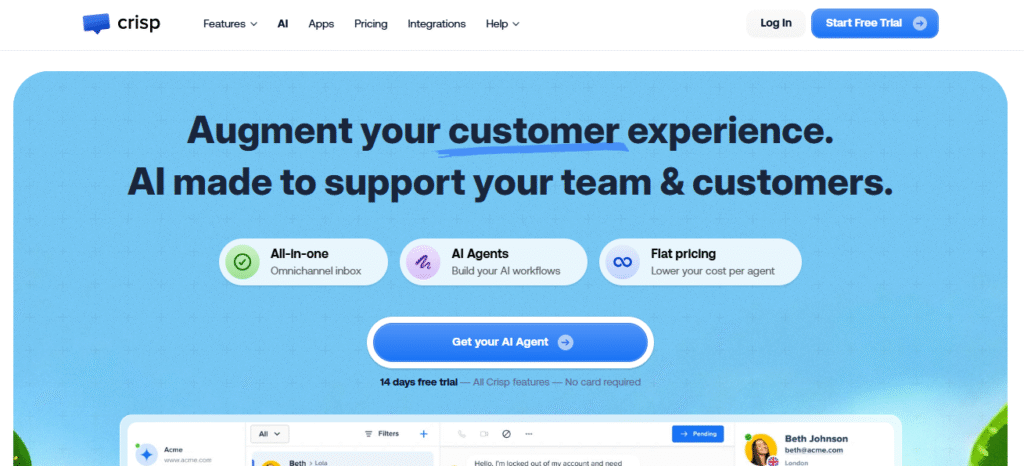
Crisp is a flexible customer messaging platform that blends live chat, shared inbox, chatbots, and multichannel messaging. It’s built around a “workspace” model with predictable per-workspace pricing and includes helpful features like knowledge bases and basic automation. Good choice for teams that want a budget-friendly but expandable system.
Key Features
- Live chat with rich messages, typing indicators and co-browsing add-ons
- Shared inbox that consolidates email, chat, and social messages.
- Chatbots, automation workflows and knowledge base.
- Predictable flat pricing per workspace.
Zendesk
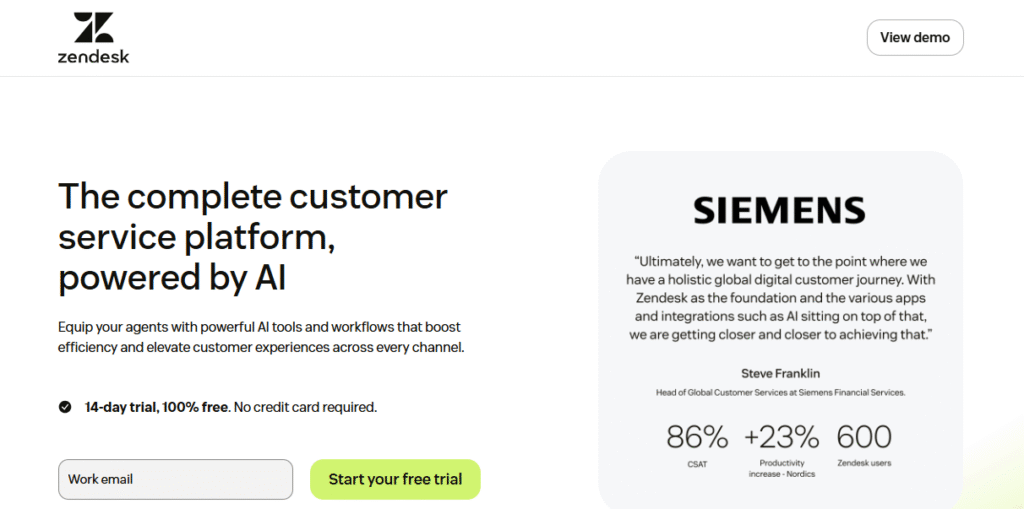
Zendesk is a comprehensive helpdesk and customer support platform; its WordPress integrations let you embed ticket forms, knowledge base links and chat widgets. Zendesk is best for teams that need mature ticketing, SLA controls, omnichannel support and enterprise-grade reporting. It’s an excellent fit for larger support departments.
Key features
- Full ticketing system with SLAs, macros and automations.
- Omnichannel routing: chat, email, phone, social and messaging apps.
- Advanced reporting and workforce management (higher tiers).
- Robust security and enterprise controls.
Conclusion
WordPress Customer communication has become one of the most important parts of running a successful WordPress site. The tools you choose don’t just support your visitors — they shape their entire experience. If you want a single, reliable solution that simplifies everything, ToolPress stands out as the most practical starting point. It replaces multiple plugins, reduces technical headaches, and gives you the flexibility to manage tracking, chat, UI libraries, and custom code from one clean dashboard.
For businesses that need specialized functionality, tools like LiveChat, Tidio, HubSpot, Crisp, and Zendesk each bring their own strengths. But no matter which combination you choose, the goal remains the same: offer fast, helpful, and friction-free communication that builds trust. When you invest in the right systems, you make it easier for people to interact with your brand — and that’s the kind of experience that leads to better engagement, stronger conversions, and long-term customer loyalty.
Frequently Asked Questions (FAQs)
1. Which customer communication plugin is best for beginners?
Tidio and ToolPress are both great starting points. Tidio is simple for live chat and automation, while ToolPress bundles multiple tools so beginners don’t have to install several plugins.
2. Can these plugins slow down my WordPress site?
They can if you install too many at once. Choosing lighter, multi-purpose tools like ToolPress reduces the number of separate plugins needed, which helps maintain better site performance.
3. Are free versions of these plugins enough?
Many plugins like ToolPress, Tidio, HubSpot, and Crisp offer strong free versions. They’re usually enough for small websites or new businesses. As you grow, premium features can help you scale support efficiently.
4. Which plugin is best for eCommerce stores?
LiveChat and Tidio work well for guiding customers during checkout. HubSpot is also a strong option if you want deeper insights into customer behavior and better remarketing.